Clip the whole game without uploading it.
Open the recording in Chrome, mark the plays as you scan through, and press Cut & upload. The game file stays on your computer; the plays land in your team’s space, exact to the frame.
Tested on a 9 GB game. Three plays cut and uploaded in under 20 seconds.
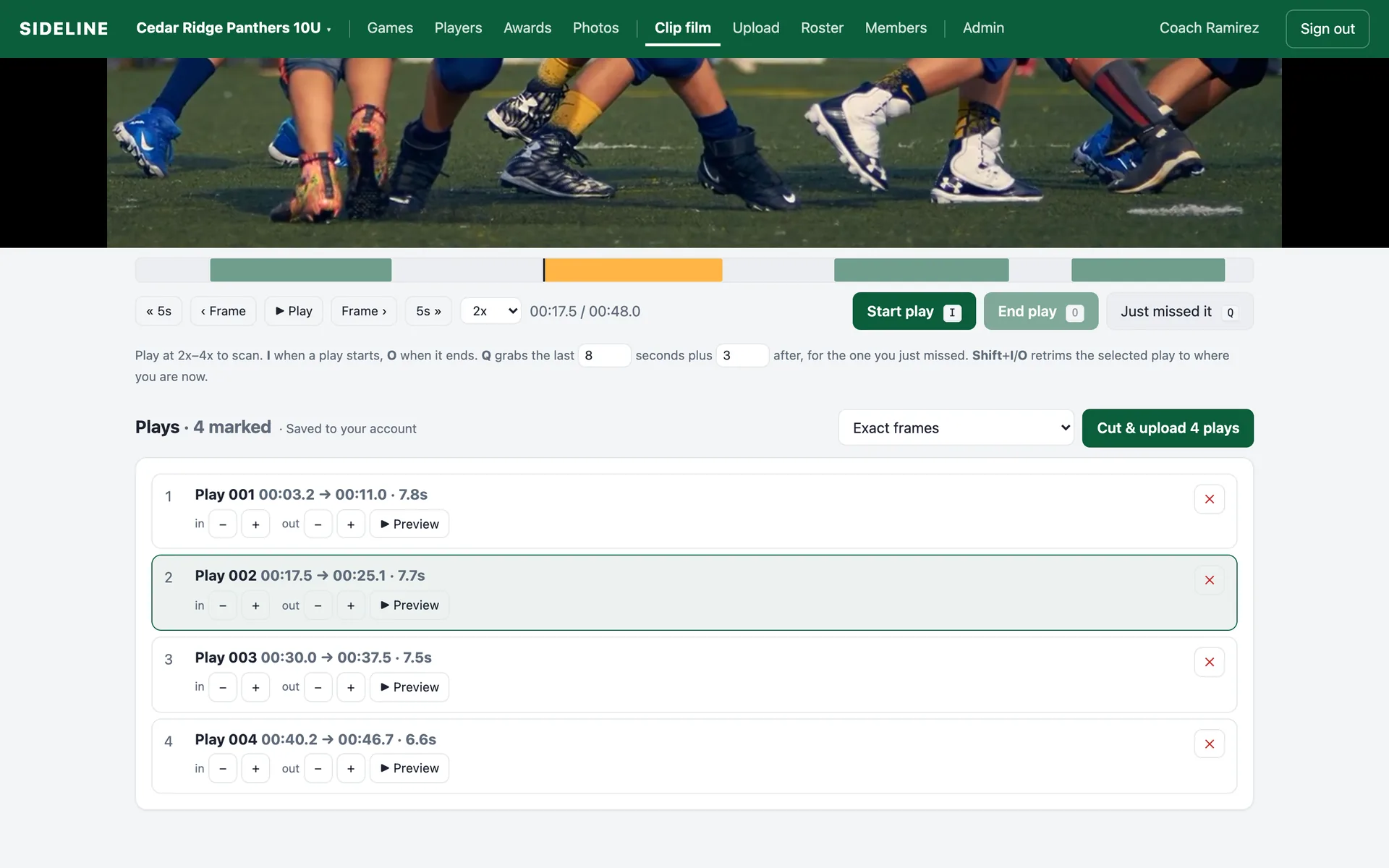
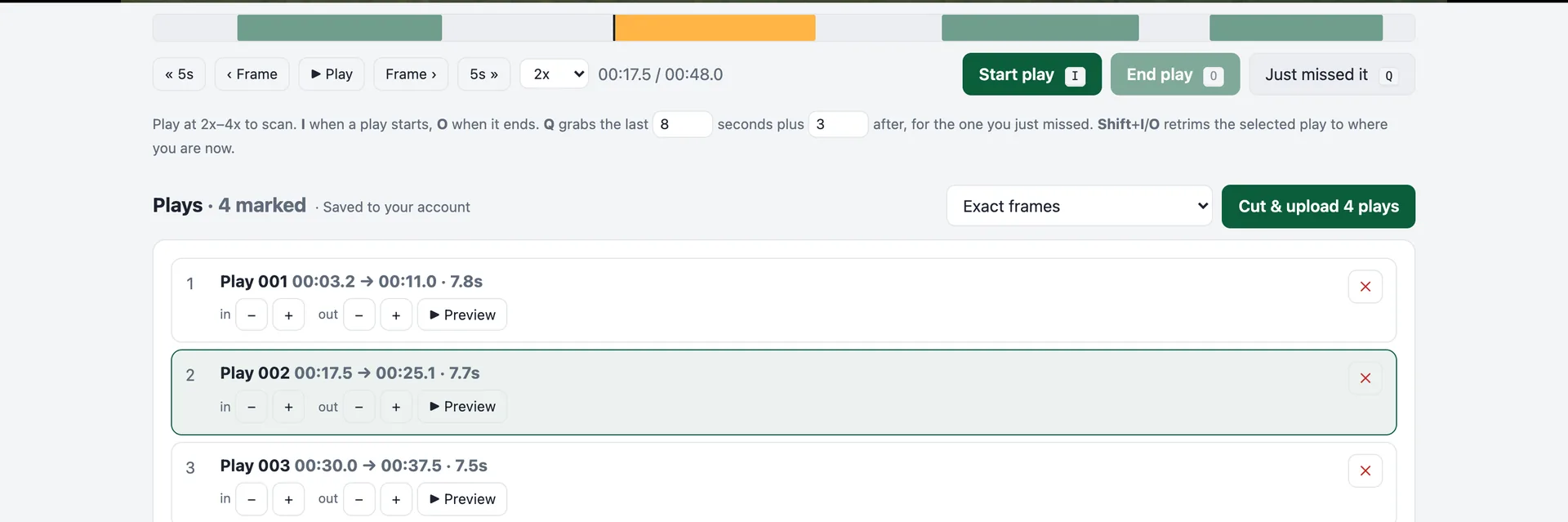
Two keys. That’s the whole job.
Play the game at 2–4x. Press I when a play starts and O when it ends. If you notice a play after it happened, Q grabs the last eight seconds plus three after. Frame-step with , and . and jump five seconds with the arrow keys to land the exact moment.
- Marks appear on a bar under the video; click any to jump there
- Nudge in and out points half a second at a time
- Preview a play in place before you cut it
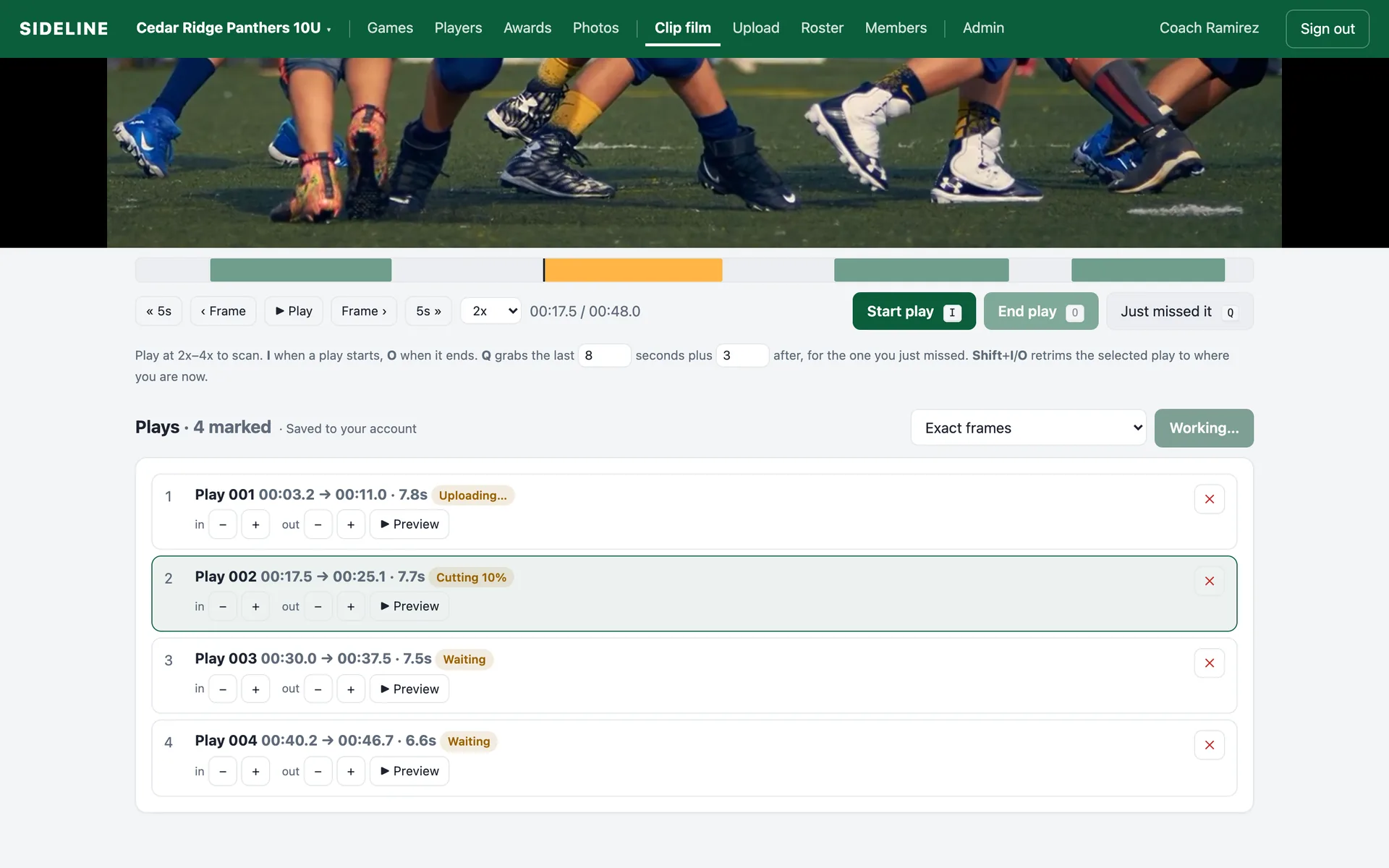
Exact frames, cut on your own machine.
Sideline uses your computer’s hardware video encoder, the same one your camera app uses, so each play is cut in about a second at the film’s own quality. Nothing is sent to a server to be processed. If your browser can’t re-encode, Sideline falls back to a lossless copy and tells you.
- Exact frames by default; Fast lossless copy as an option
- Uploads run three at a time while the next play cuts
- Re-trim an uploaded play and it replaces the old clip, no duplicates
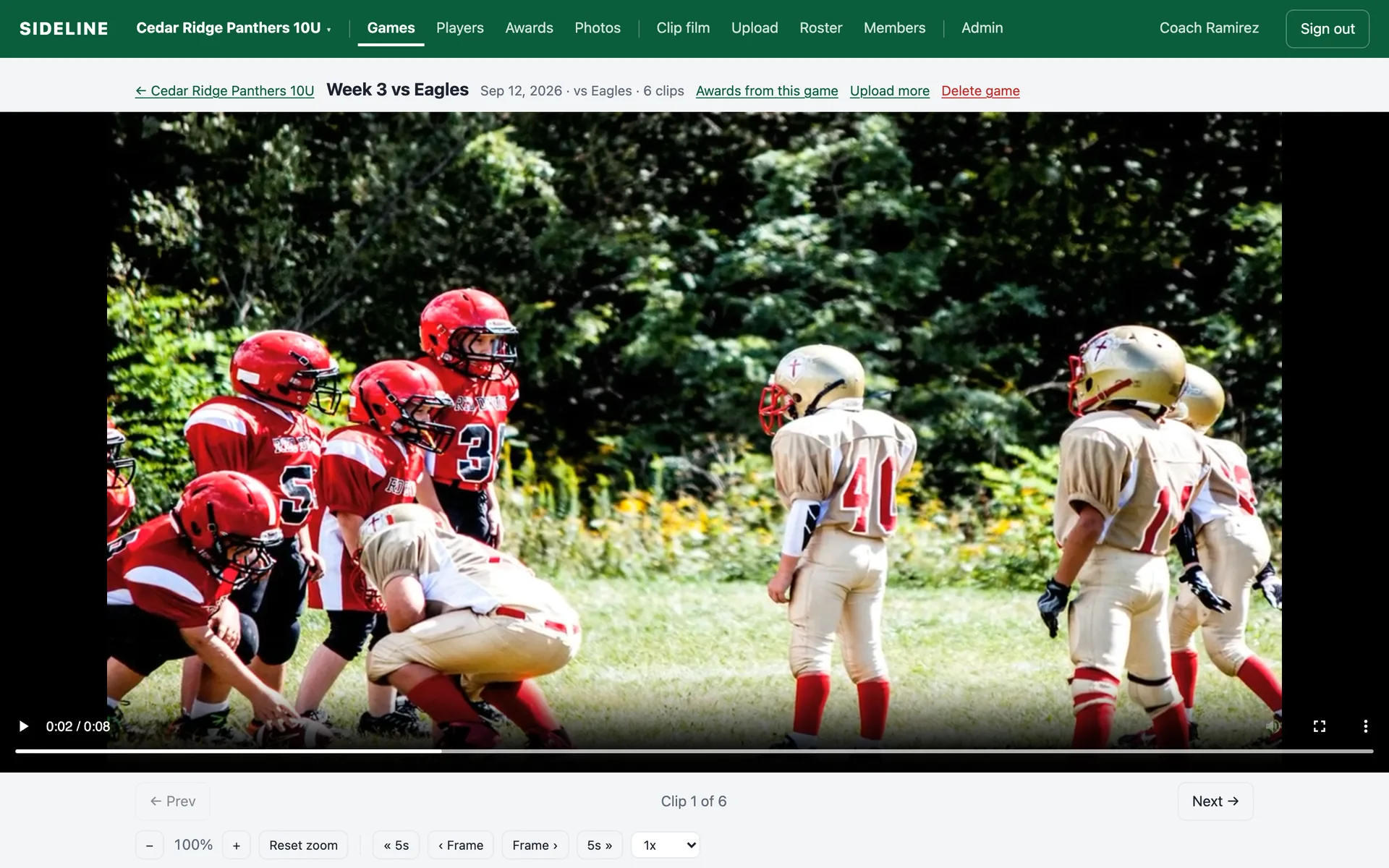
A game page the whole team can use.
Every play loops until you move on. Zoom into the picture, step frame by frame, or slow it down. Coaches tag from right under the player; parents just watch. Next and Previous keep you on the video instead of scrolling the page.
- Full-width player with looping, zoom, and speed control
- Tag players and awards without leaving the play
- Per-game awards summary for handing out stickers
Why the file never has to leave.
Modern browsers can read a file straight from disk and use the computer’s hardware encoder. Sideline is built on that, so a coach with no software installed can turn a game into tagged clips.
Plays from disk
The browser streams the recording from your drive with almost no memory. A 9 GB game uses less than 2 MB of RAM to play.
Cuts on your GPU
Each play is decoded from the nearest keyframe and re-encoded with WebCodecs on your hardware, so it starts on the exact frame you marked.
Only clips travel
A 12-second play is about 18 MB. A whole game of plays is a few hundred megabytes, uploaded straight to private storage.
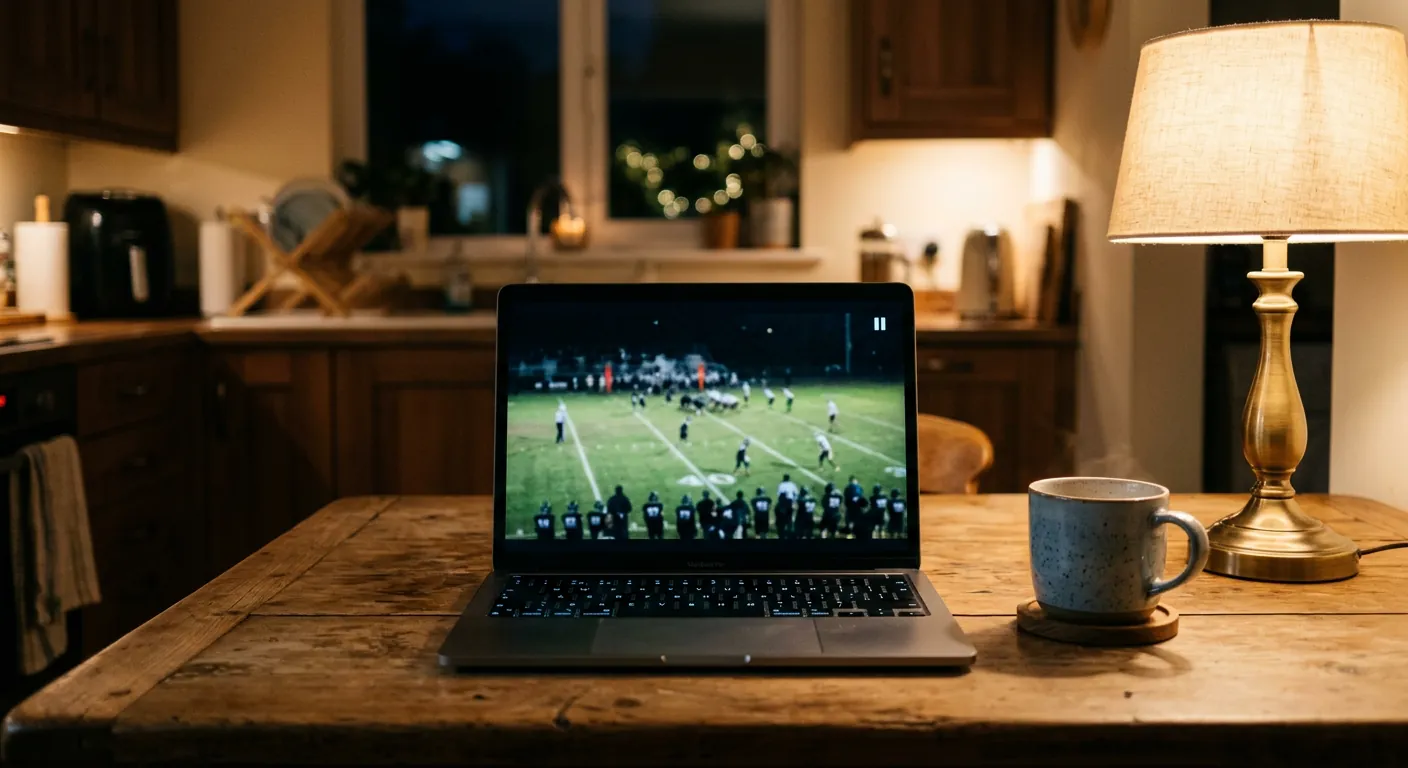
A laptop is the whole film room.
No editing software, no upload queue, no waiting for a server. Open the game, mark the plays, and the clips are with your team before the coffee goes cold.
Questions, answered
What video files work?
Anything your browser can play: MP4 and MOV from phones, GoPros, and the XbotGo, Veo, and Trace cameras. A 9 GB, 92-minute 1080p recording opens instantly because the file is played straight from disk, not loaded into memory.
Does clipping upload the whole game?
No. The recording never leaves your computer. When you press Cut & upload, each marked play is cut locally and only those clips are sent to your team’s space, usually 15 to 25 MB each.
How accurate are the cuts?
Exact to the frame you marked. Sideline re-encodes each play with your computer’s hardware video encoder, so a clip starts on the frame you saw when you pressed I. There is also a Fast mode that copies the video untouched, which can start up to a second early on some cameras.
Can I finish clipping on another computer?
Yes. Your marks save to your account as you make them. Open the same game on another computer that has a copy of the film and your plays are waiting. Two coaches can even mark the same game at once.
What browsers?
Chrome and Edge on Mac and Windows give the smoothest experience, including reopening the film with one click. Safari and Firefox work too; you just choose the file again each time.
Try the film room on your own game film.
Bring a recording from any camera. We’ll set up your team and you can clip your first game the same day.